Buying & Care
How to Judge a Diamond From a 360° Video
By the Vanora Diamond team
Published Last reviewed 5 min read

Quick answer
To judge a diamond from a 360° video, watch the full rotation more than once and look for even brightness, crisp contrast between light and dark facets, any dark band or bow-tie, a hazy or milky look, inclusions you can see without zooming, an even outline and color at the tips. Compare videos filmed the same way, and ask a diamond specialist when something is unclear.
What a video shows that a report cannot
A grading report describes a diamond in grades and measurements (or the Premium/Standard result on a GIA assessment since October 2025). It tells you how much color the stone has, how its inclusions rate at 10x magnification and how it is proportioned. It does not show you how the stone actually looks when it moves.
A 360° video does. It is filmed with the stone turning slowly under steady lighting, so you can see how light moves across the facets, where dark areas fall and whether anything stands out. Several things that affect how a stone looks in a ring never appear on the report at all: a bow-tie, haze, a faint tinge, or the exact place an inclusion sits.
On our stone pages, the photos, the 360° video and the certificate PDF come from the stone's own media files, so the video you watch is of the stone itself, not a similar one.
Watch the whole rotation, twice
Your first viewing should be at normal speed, without pausing. Ask yourself one question: does the stone look bright and lively all the way around, or does it go dull or dark at some angles? That first impression is close to what you will notice day to day.
Then watch again, more slowly. Pause wherever something catches your eye: a dark patch, a spot, an uneven edge. Note where in the rotation it appears and whether it stays as the stone turns. Something that flickers in and out is usually part of the normal pattern of light and dark; something that stays in the same place through the whole turn is worth a closer look.
Keep in mind that most diamond videos are magnified well beyond life size. A detail you can find in a video on a large screen may be invisible at arm's length in a ring.
Brightness, contrast and dark areas
A well-cut diamond does not look evenly white. It shows a lively pattern of bright and dark facets that shifts as it moves. That contrast is what makes sparkle readable, and our post on brilliance, fire and scintillation explains each part.
What to look for:
- Even brightness across the face. The center should be as lively as the edges.
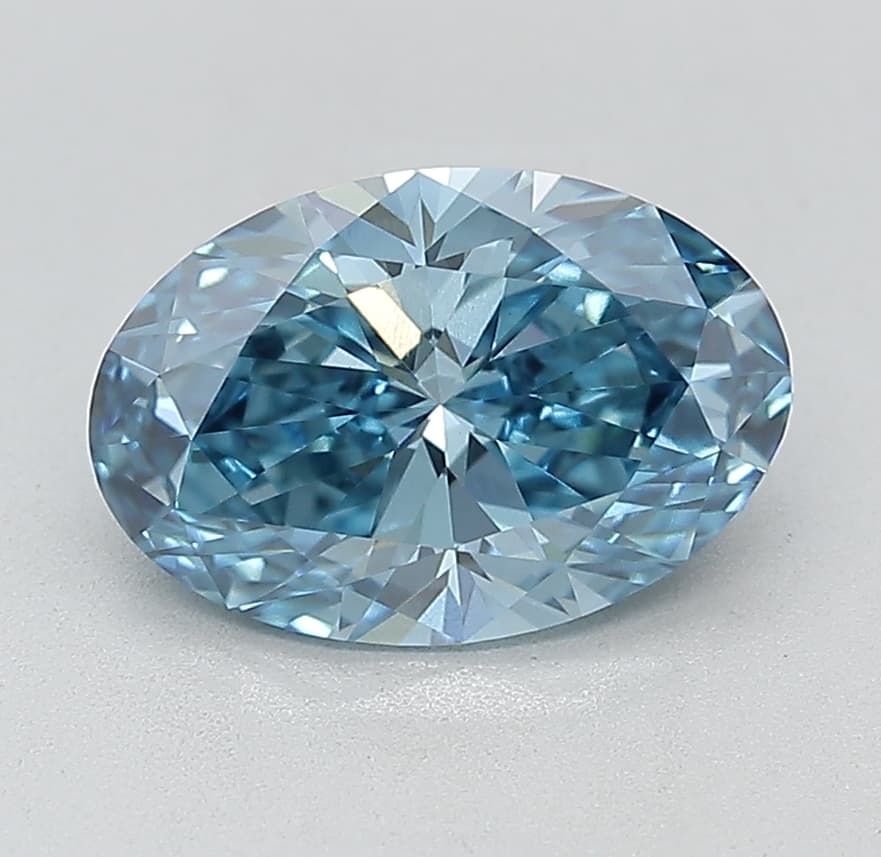
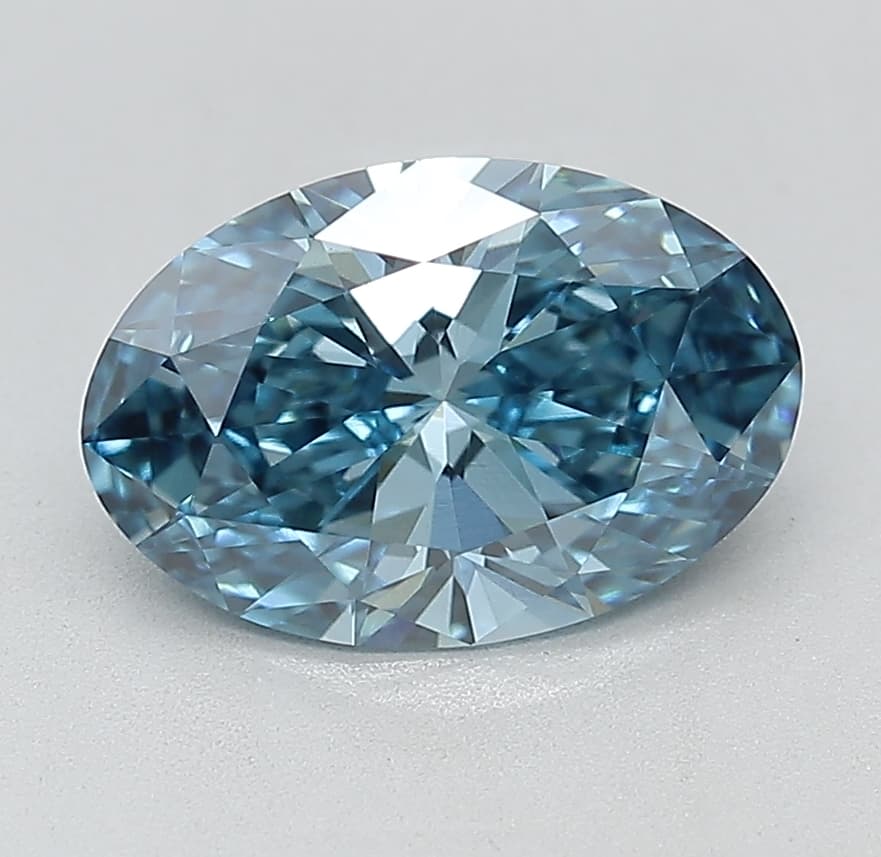
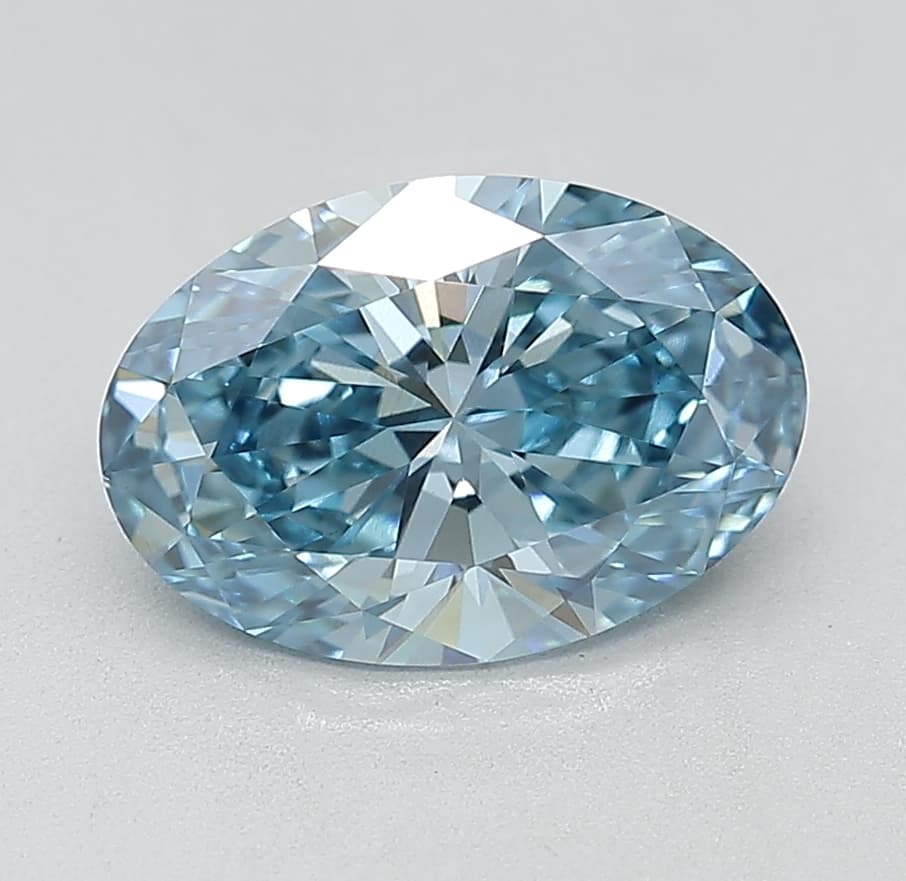
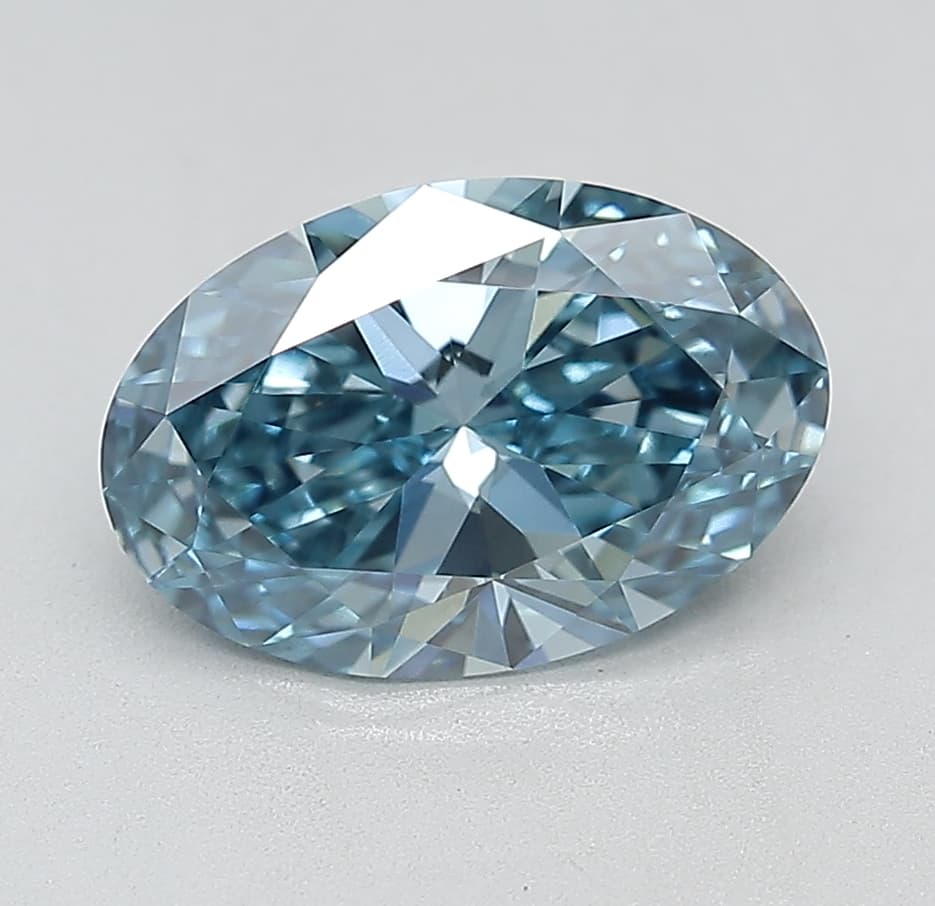
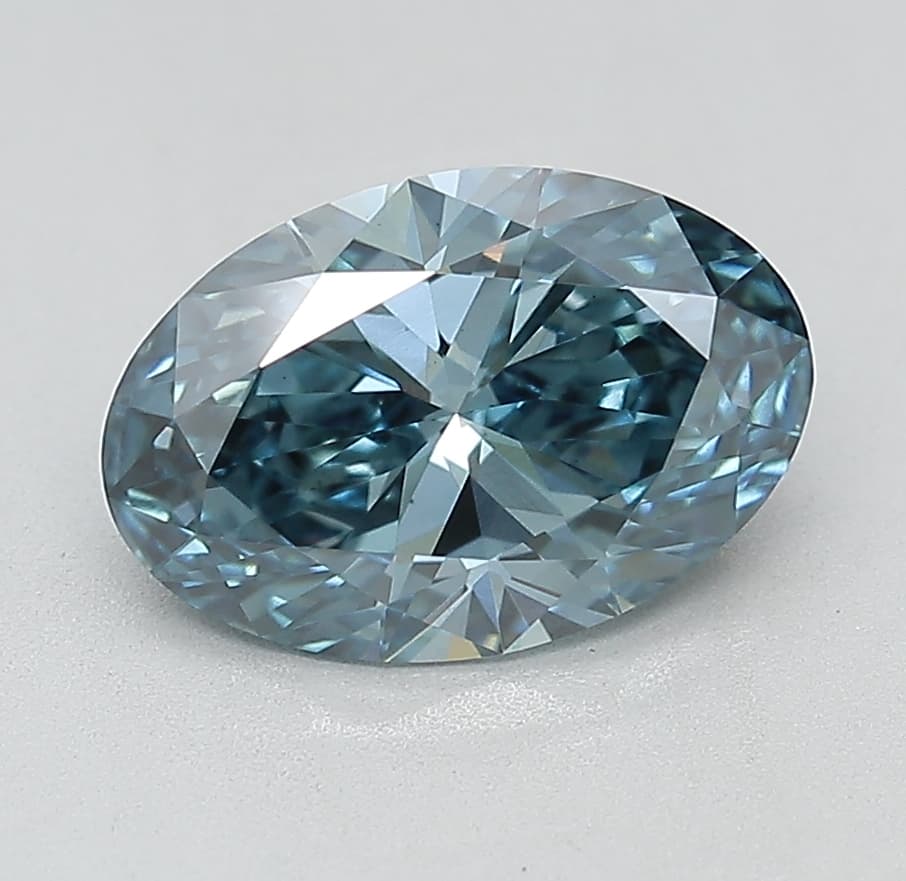
- Dark areas that stay put. In elongated shapes such as ovals, pears and marquises, a dark band across the width is called a bow-tie. A faint one that shifts as the stone turns is normal; a strong one that stays dark draws the eye. See the bow-tie effect.
- A see-through look. A washed-out area in the center, where the background seems to show through, is called a window and usually means a shallow pavilion. Our post on windowing and extinction covers both effects.
| Bow-tie | What you see |
|---|---|
| None visible | The middle is as bright as the ends. |
| Faint | A light shadow across the middle that shifts as the stone moves; usually accepted. |
| Strong | A dark band that stays in most positions and draws the eye. |
Haze, inclusions and color
- Haze. A crisp stone shows sharp facet edges and clean reflections. A slightly milky or soft look, as if seen through a thin film, can come from dense clouds of tiny inclusions or from growth features. Our post on hazy lab-grown diamonds explains the causes.
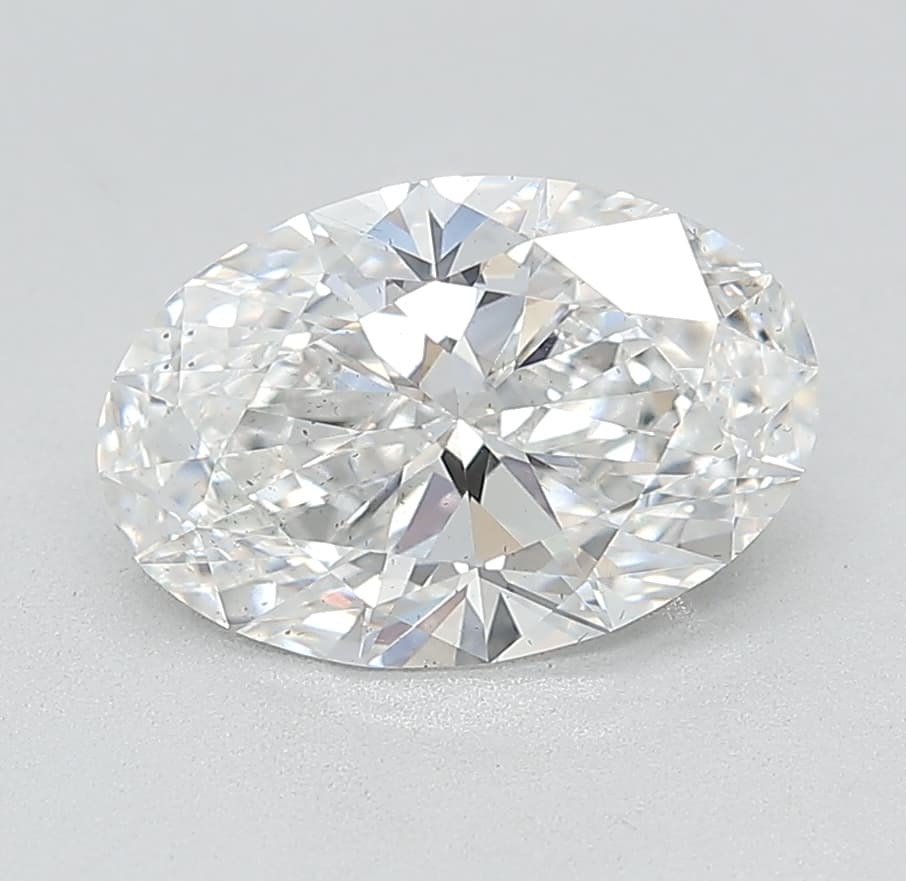
- Inclusions. Look for any spot, feather or cloud you can see without pausing and zooming. Then compare what you see with the report's clarity plot and with the "Eye-clean (our assessment)" line on the stone page.
- Color at the tips. Elongated shapes gather body color at their points and corners. If the tips look noticeably warmer than the center, that is the stone's color showing.
Judge color with care: a video's white balance and background can shift how warm or cool a stone appears. The color grade on the report, measured under controlled conditions, is the firmer guide.
Outline and symmetry
For fancy shapes, the video is the best way to judge the outline, which no single grade captures.
- Ovals and cushions: the sides should curve evenly, without flat or bulging "shoulders".
- Pears and hearts: the point should line up with the center of the rounded end, and the two halves should mirror each other.
- Emeralds and radiants: the corners should be cut evenly, and the steps or facets should run parallel to the sides.
The stone page also gives the length-to-width ratio, so you can check whether the outline you see matches the proportions you want.
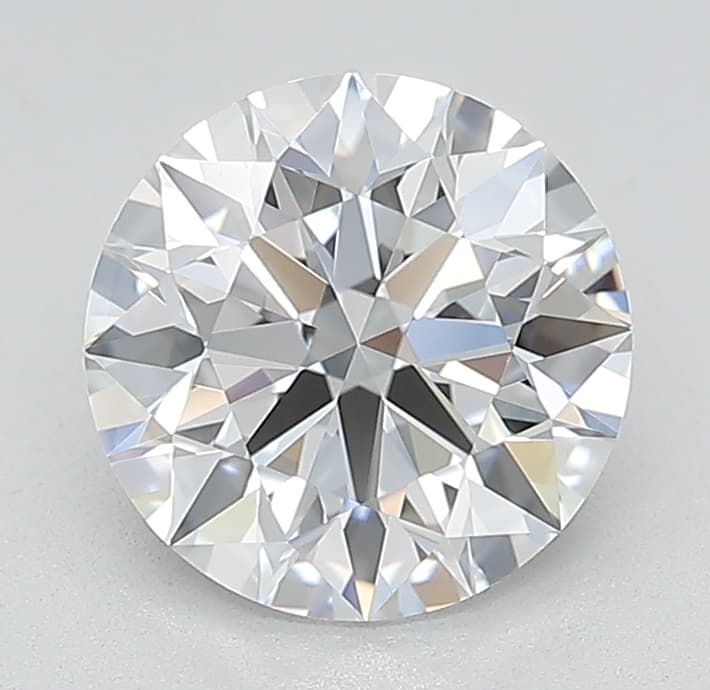
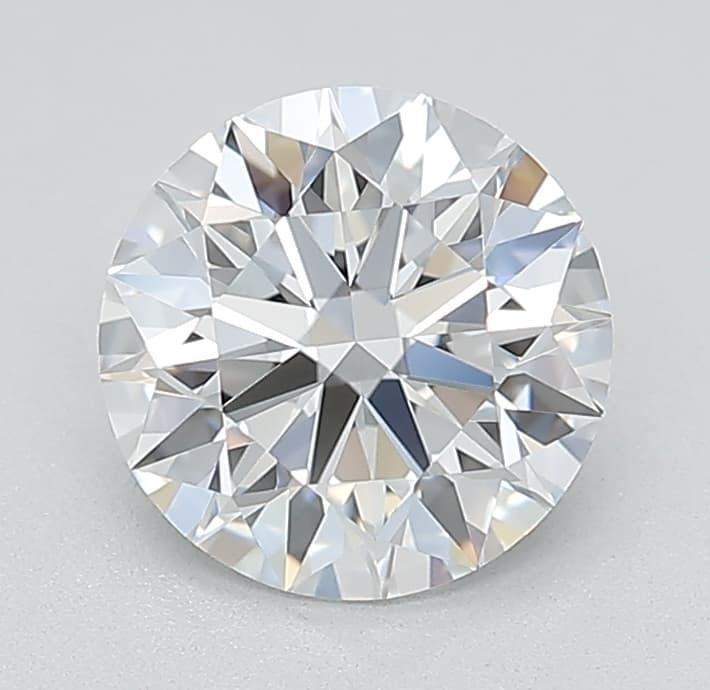
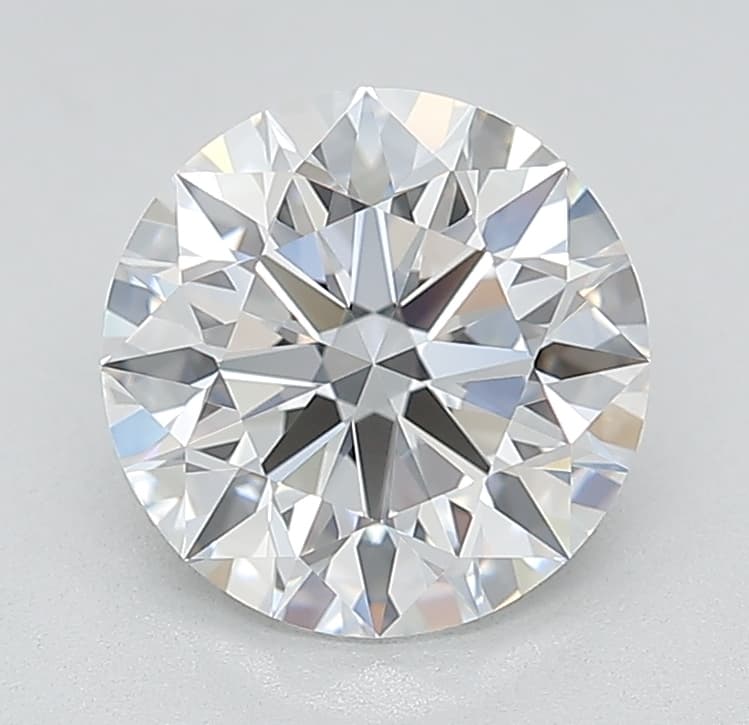
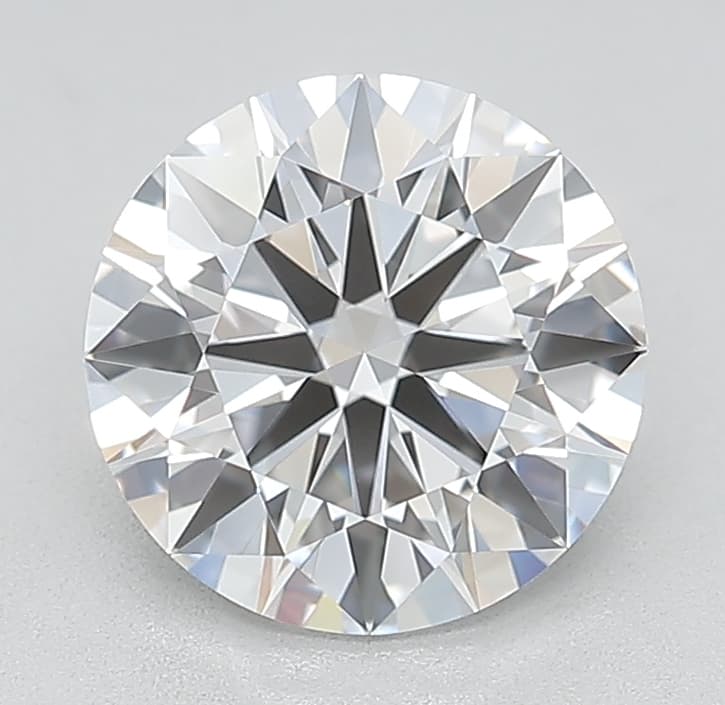
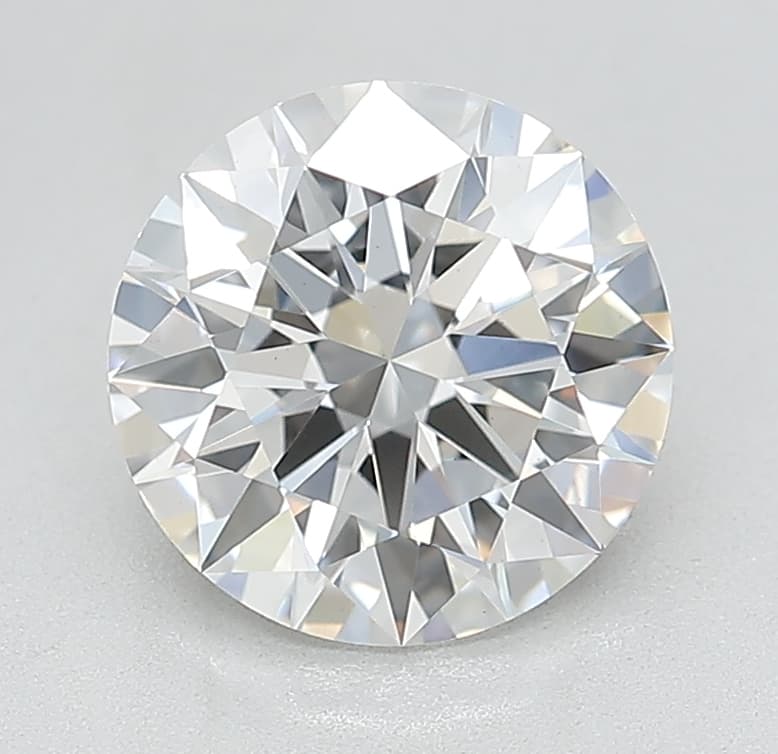
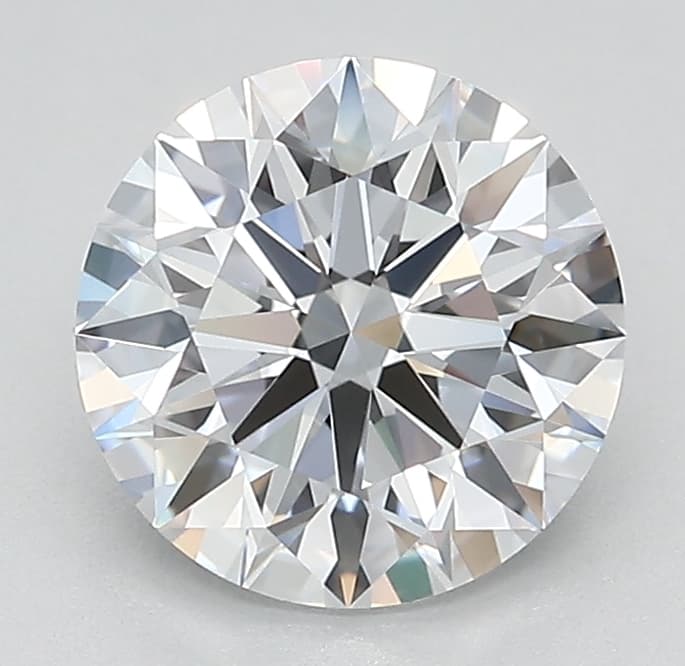
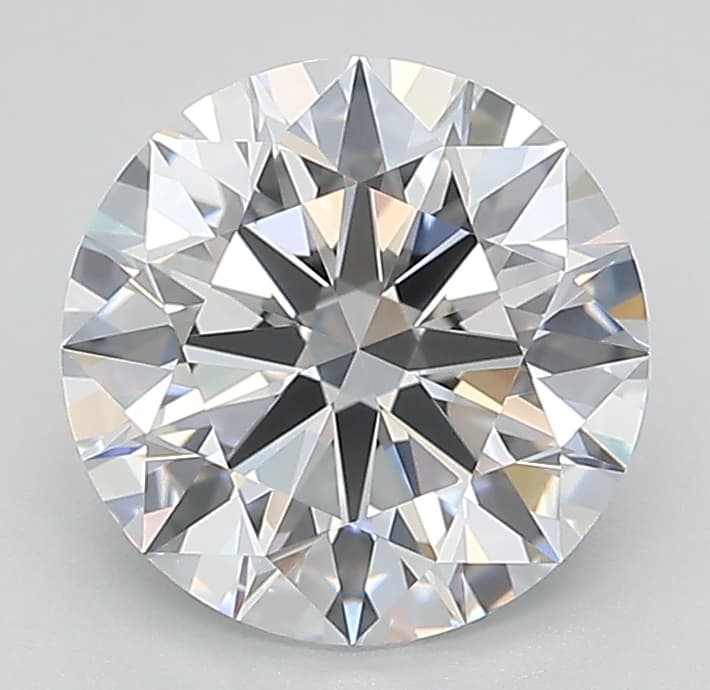
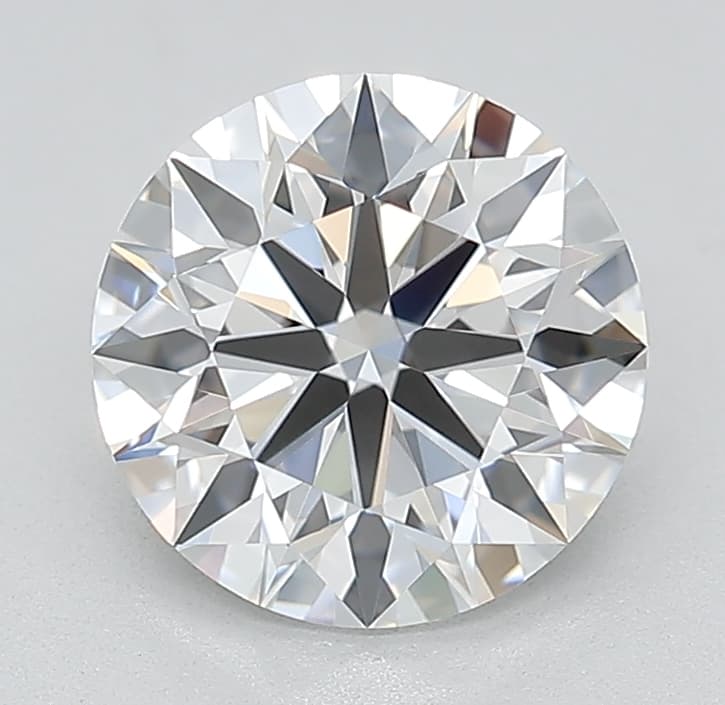
For round brilliants, look at the pattern rather than the outline. In a precisely cut round, the arrows of the main facets look even from one side of the stone to the other as it turns. An uneven or lopsided pattern can point to weaker optical symmetry, even when the symmetry grade on the report is good.
Lighting and screen caveats
A video is not the same as seeing a stone in person, and a few things can mislead.
- Lighting setups differ. Bright, even lighting flatters brilliance; strong point lights show more fire. Compare stones filmed under similar lighting before you read much into a difference in brightness.
- Screens differ. A phone's brightness and color settings change how a video looks. Compare two stones on the same screen.
- Magnification exaggerates. Inclusions and bow-ties look larger on screen than in life.
The best use of a video is comparison: two or three stones of the same shape and similar weight, watched on the same screen, side by side. Our post on comparing two diamonds shows how to line them up.
When to ask for more
If something in a video is unclear, ask. Our diamond specialists can look at the stone's media with you, point out what a dark patch or spot is, and tell you whether it is likely to show in a ring.
It also helps to say what you are worried about. "Is that dark band in the middle a strong bow-tie?" or "Is the spot near the point visible without magnification?" gets a more useful answer than "Is this a good stone?", because a specialist can look for exactly that and explain what it would mean once the stone is set.
You can add the stone to your cart to come back to it while you check (the cart does not reserve it), and, where a stone can be brought to one of our offices, arrange to see it in person; our post on viewing a diamond in person covers what to look for there.
- Step 1: Watch at normal speedDoes it stay bright and lively all the way around?
- Step 2: Watch again, slowlyPause on anything that catches your eye and note where it is.
- Step 3: Look for dark areasA bow-tie or dark center that stays put as the stone turns.
- Step 4: Check for hazeFacet edges should look crisp, not soft or milky.
- Step 5: Find any inclusionsCompare what you see with the clarity plot and our eye-clean line.
- Step 6: Check the outlineEven curves, a centered point, even corners: whatever the shape calls for.
- Step 7: Compare like with likeSame shape, similar weight, same screen.
Most diamond videos show a stone far larger than life. Something you can just find on a big screen may be invisible at arm’s length, so judge what stands out at normal speed.
Frequently asked questions
Can you judge a diamond from a video?
Largely, yes. A 360° video of the actual stone shows brightness, contrast, dark areas such as a bow-tie, haze, visible inclusions and the outline, which grades do not. Use it alongside the grading report, and remember that videos are magnified and lighting setups vary.
Why does the same kind of diamond look different in different videos?
Lighting, magnification, background and the screen you watch on all change how a stone appears. Bright, even lighting flatters brilliance and point lights show more fire. Compare stones filmed under similar lighting and watch them on the same screen.
What should I look for in an oval diamond video?
Watch for a bow-tie, a dark band across the width. A faint one that shifts as the stone turns is normal; a strong one that stays dark is noticeable. Also check that the outline curves evenly, that the tips do not look much warmer than the center and that the stone stays bright as it rotates.
Is a video enough, or should I see a diamond in person?
For many buyers a good video, a verified report and a specialist’s answers are enough to decide. If you would rather see the stone, ask a diamond specialist whether it can be brought to one of our offices so you can view it by appointment; until you check out, the stone is not reserved for you.
Glossary terms in this article
More on Buying & Care in the journal.